
Inspect before opening
Review decoded content before choosing to open a link.

Scan with confidence. Share with ease.
Scan and create QR codes, inspect links before opening them and keep your history on your device.
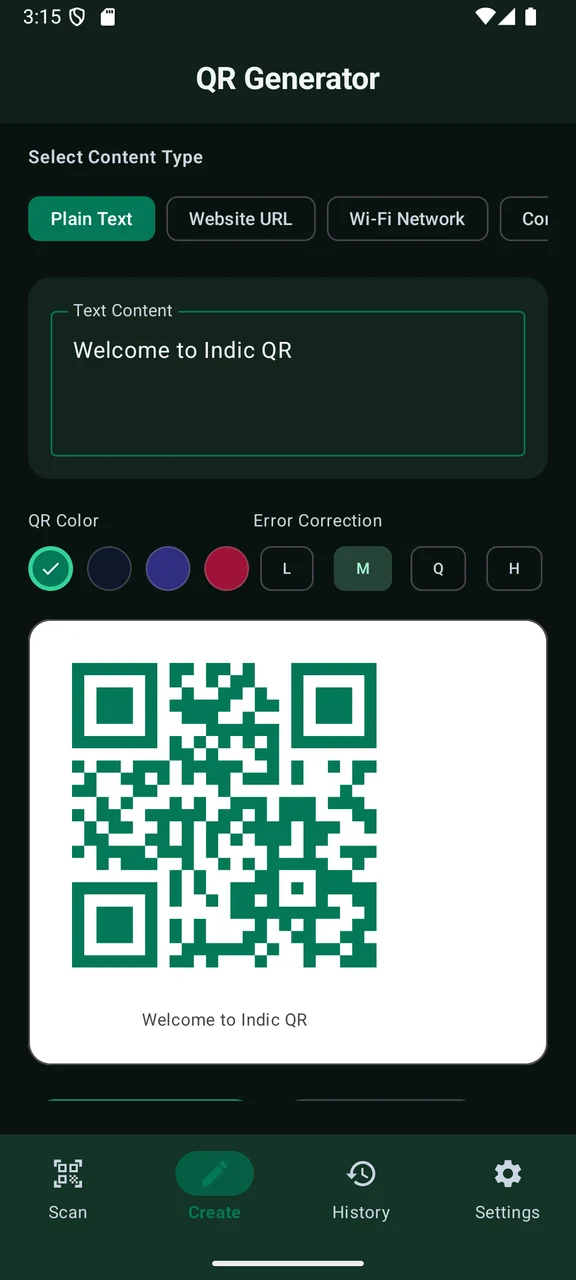
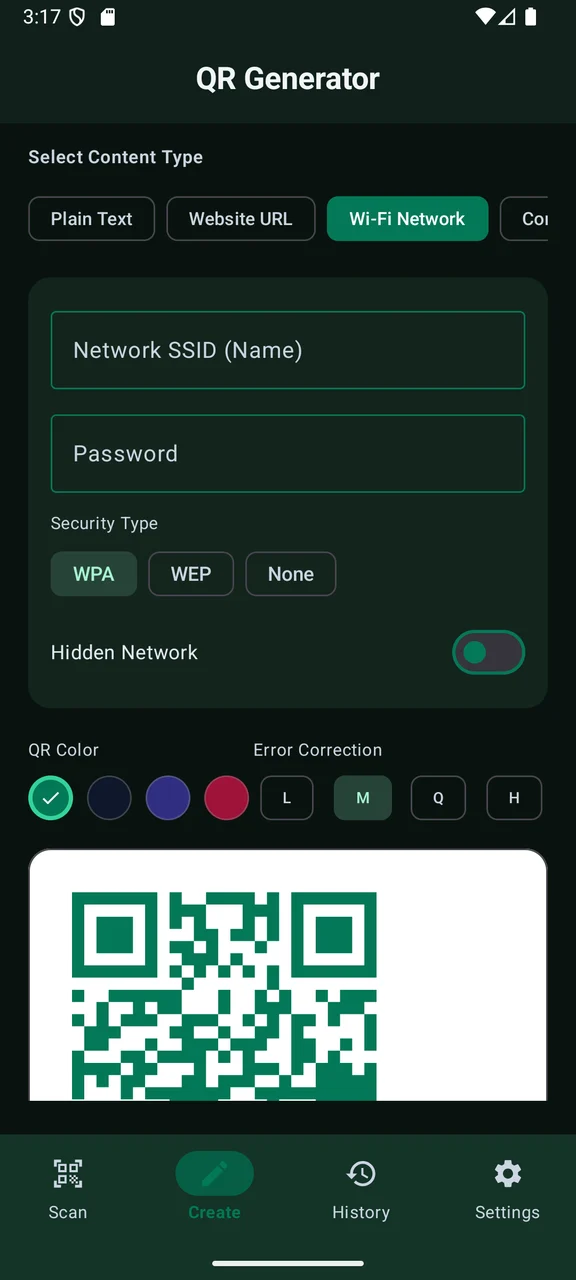
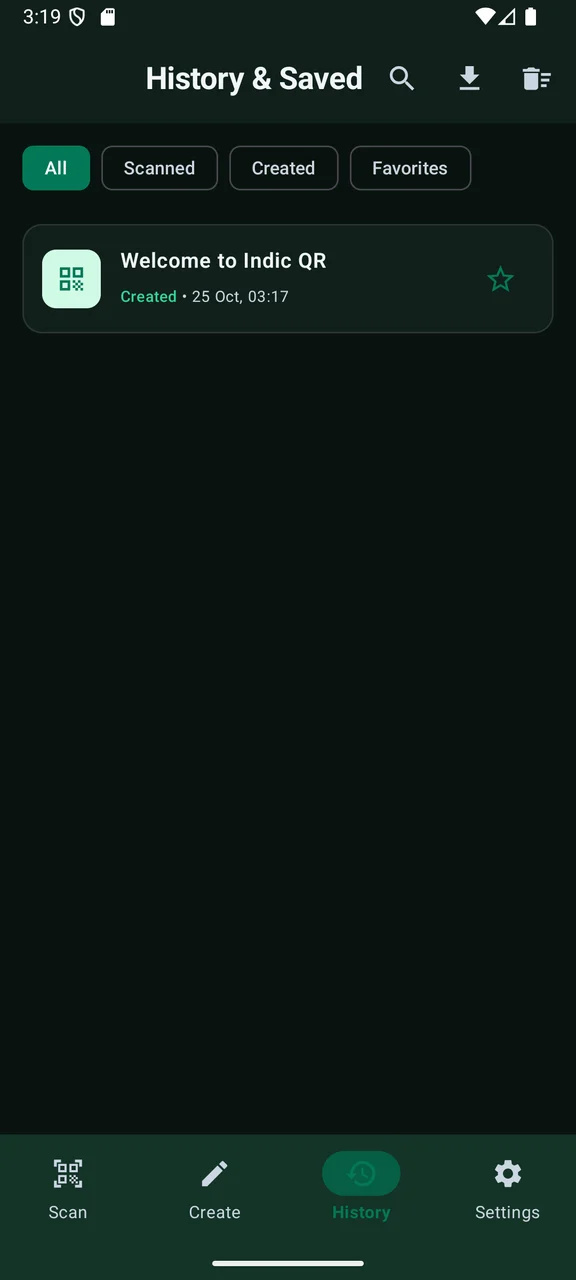
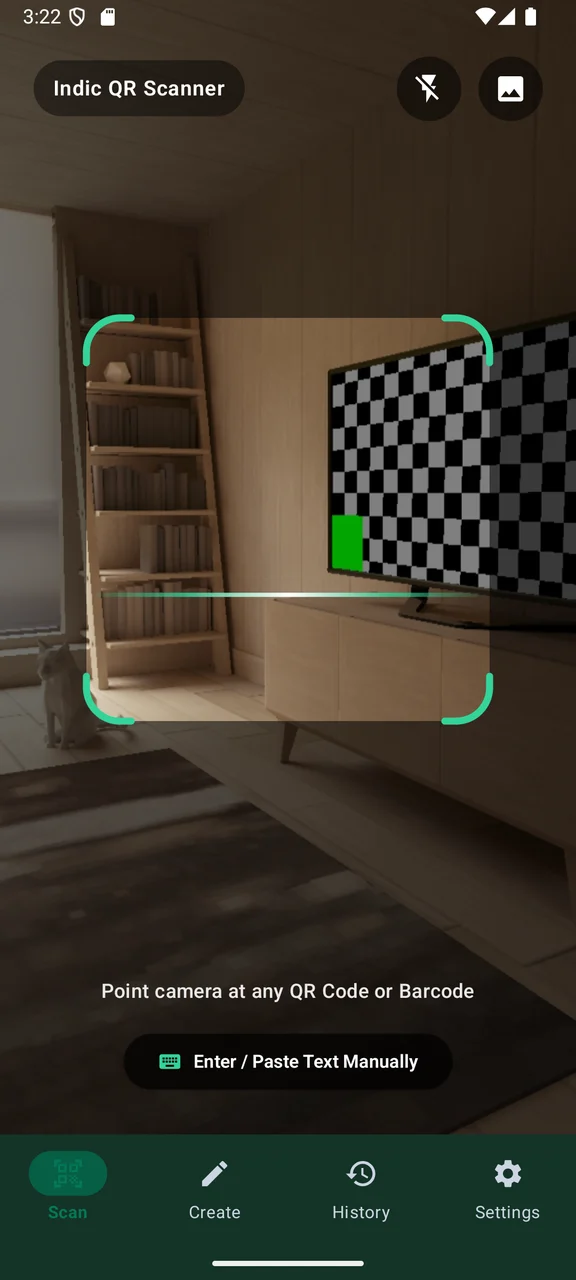
Scroll to explore · Select a screen to enlarge
THOUGHTFULLY MADE
A QR code should be useful without opening an unknown link for you. Indic QR shows decoded content first, leaving the next step in your hands.
Scan with the camera, select an image or use the manual fallback. Create codes for everyday content such as a web address, Wi-Fi details or a contact, then keep useful results in local history and favorites.
An Android app from IndicStudio. Download the current debug preview below to try it on a compatible Android device.
Review decoded content before choosing to open a link.
Generate codes for text, URLs, Wi-Fi, contacts, email, phone and SMS.
Use the camera or a selected image, with a manual text fallback.
Store scan history and favorites locally and share only when you choose.
YOUR DATA, EXPLAINED
This preview is designed to work on-device without an account, advertising or analytics. Read the app-specific privacy notice for permissions, sharing and Android backup behavior.
Read the privacy policyMORE FROM THE STUDIO
 Preview
A document workspace with PDF, text, Markdown, CSV, JSON, SQLite and Office-format viewers.
 Preview
Resize, crop, compress and convert images with individual and batch workflows.
 Preview
An offline calculator with expression preview, scientific functions and a searchable calculation history.