
One engine, desktop and CLI
A native project studio and standalone launchkit console tool use the same validated Rust workflows.
From app to launch. Beautifully prepared.
An open-source, offline studio for Android release artwork, APK inspection, and checksummed release packs—with a standalone CLI for AI agents.
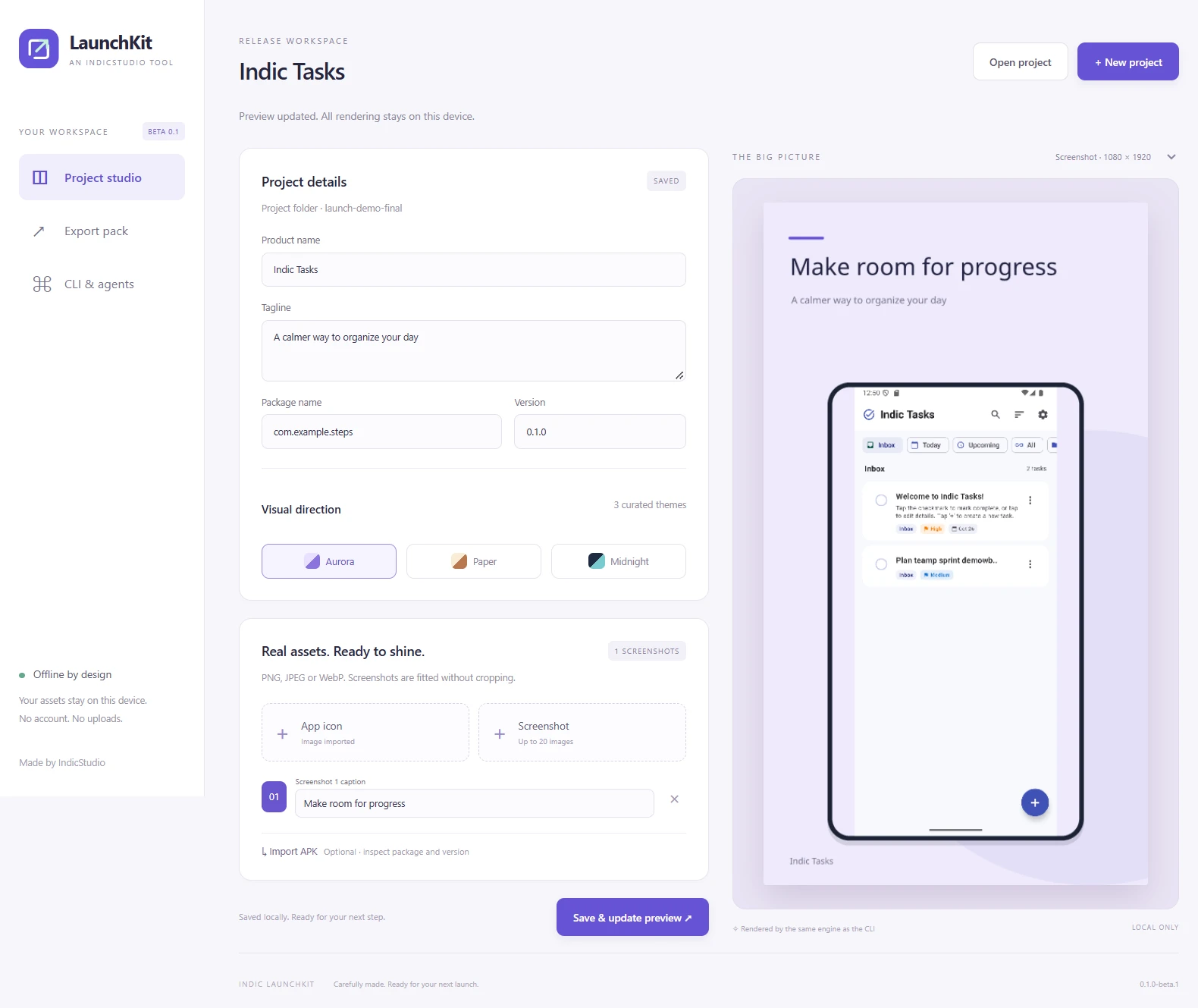
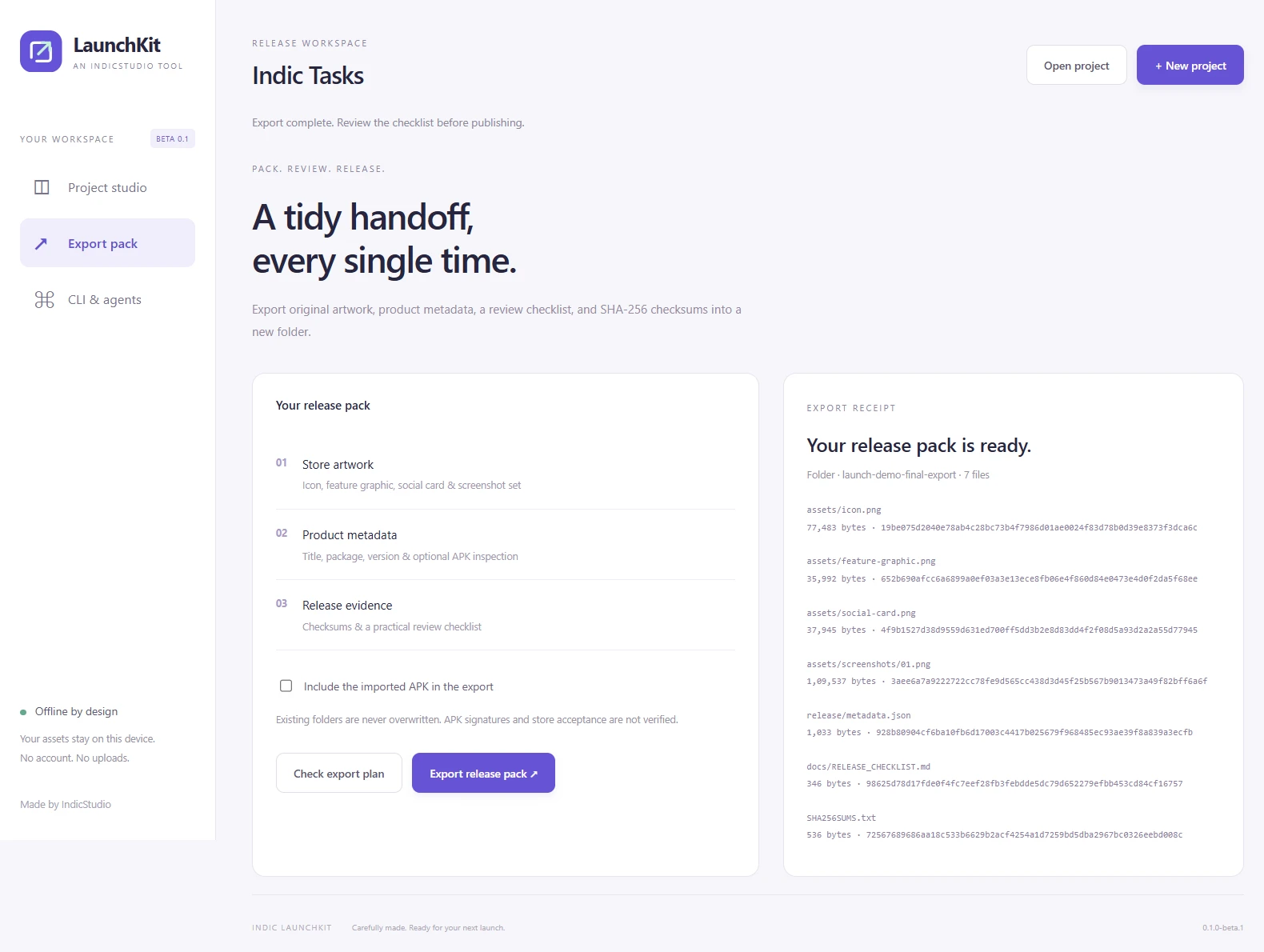
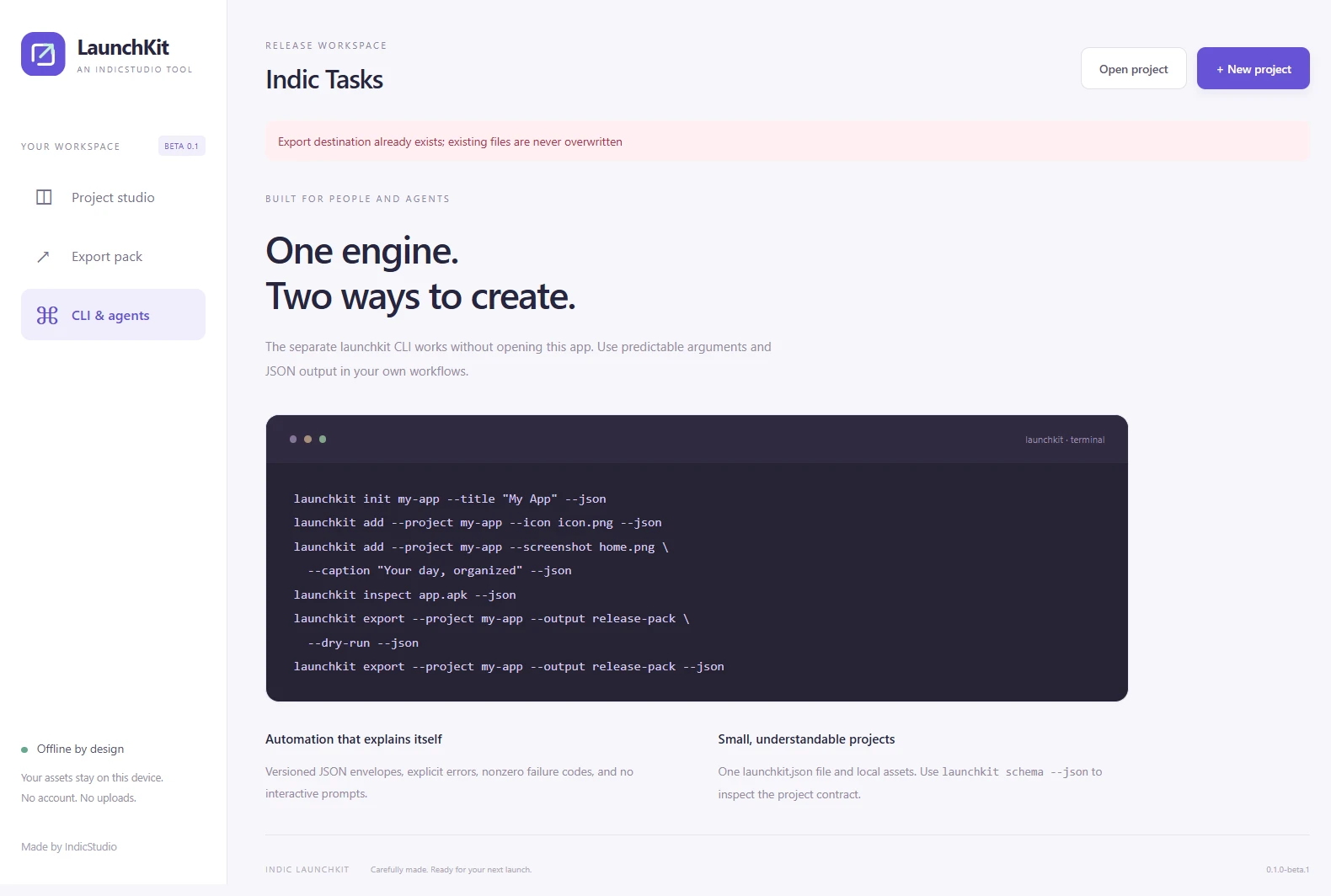
Scroll to explore · Select a screen to enlarge
THOUGHTFULLY MADE
Turn your real app icon and screenshots into a consistent release presentation. Indic LaunchKit combines a native desktop studio with a separate command-line tool, both powered by the same Rust engine.
Create a portable project, import local assets, edit captions, choose Aurora, Paper, or Midnight, and preview the actual rendered result. Export a 512px icon, 1024 × 500 feature graphic, 1200 × 630 social card, and 1080 × 1920 screenshot artwork without an account or a cloud service.
Optionally inspect an APK to read its literal package, version, SDK requirements, size, and SHA-256. Exported packs include product metadata, a review checklist, and checksums. Copying the APK into a pack is optional.
The separate launchkit CLI supports explicit arguments, versioned JSON responses, validation, headless previews, and dry-run export planning. It is suitable for repeatable scripts and AI-agent workflows without opening a desktop window.
This is an unsigned public beta. Native build and CLI test evidence is supplied for each released platform; interactive desktop integration was checked on Windows. APK signatures, store acceptance, legal documents, code signing, and automatic publishing are outside this release.
A native project studio and standalone launchkit console tool use the same validated Rust workflows.
Style real app screenshots with Aurora, Paper, or Midnight, concise captions, and uncropped screenshot fitting.
Read literal binary manifest package/version/SDK metadata, file size, and SHA-256 without an Android SDK. Signature verification is not included.
Export a 512px icon, feature graphic, social card, portrait screenshot set, product metadata, review checklist, and file checksums.
Use --json, explicit paths, noninteractive commands, schema inspection, and --dry-run with meaningful failure codes.
Work without accounts or uploads. Project assets are copied locally, and existing export directories are refused.
YOUR DATA, EXPLAINED
Local processing with no application accounts, analytics, or uploads. You control project files, imported copies and exports.
Read the privacy policyYes. Download the separate CLI archive and use launchkit with --json. It supports project creation, asset import, APK inspection, validation, preview, schema inspection, and dry-run exports. It never uploads or publishes anything.
No. It prepares artwork, metadata, checksums and a checklist. Signing, complete store listings, privacy policy review and publication remain separate steps.
The application has no account, analytics or upload service. Selected files are copied to the project folder and processed locally. You choose where exports go.
The project source is MIT licensed. Bundled fonts retain SIL OFL 1.1 and dependencies retain their licenses. The IndicStudio name does not imply endorsement of modified distributions.
PNG, JPEG and WebP images are supported within documented size limits. Bundled fonts cover Latin and Devanagari; unsupported characters and text that exceeds template limits produce explicit errors.