
Choose the balance
Adjust image quality and dimensions while preserving the aspect ratio.

Smaller photos. More possibilities.
Compress and resize images on your device, choose an output format and remove sensitive image metadata.
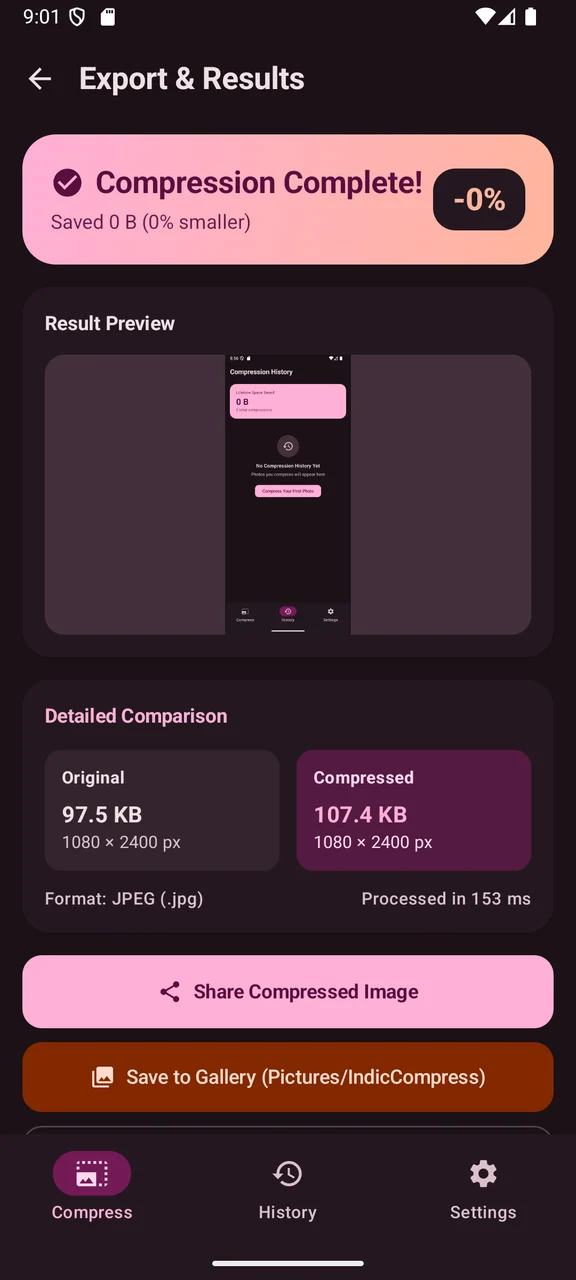
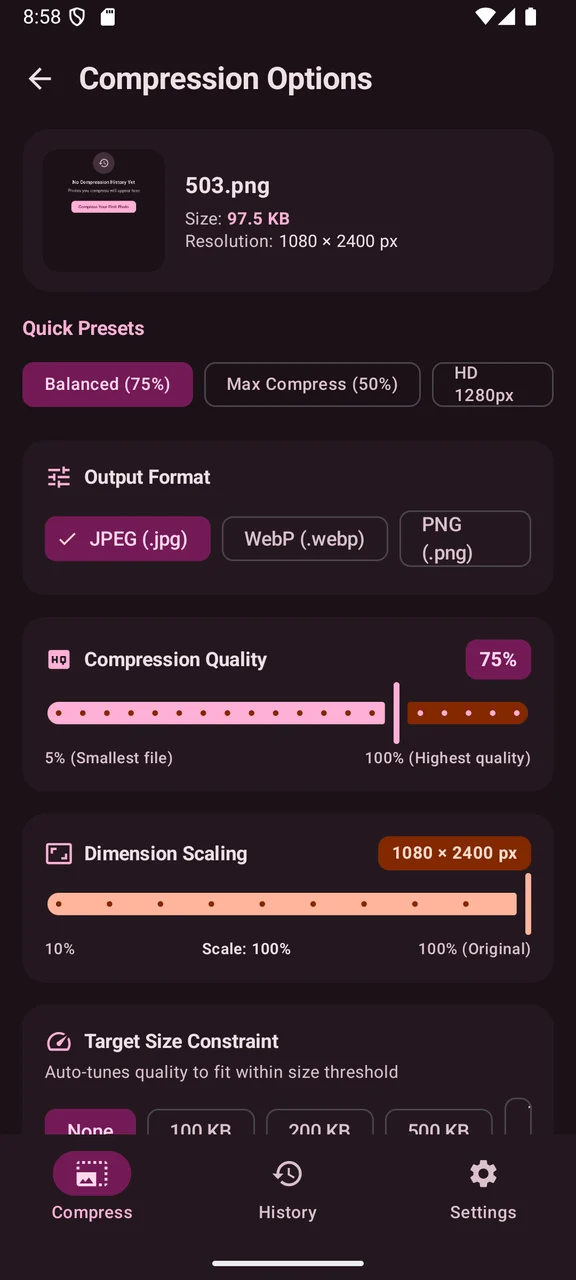
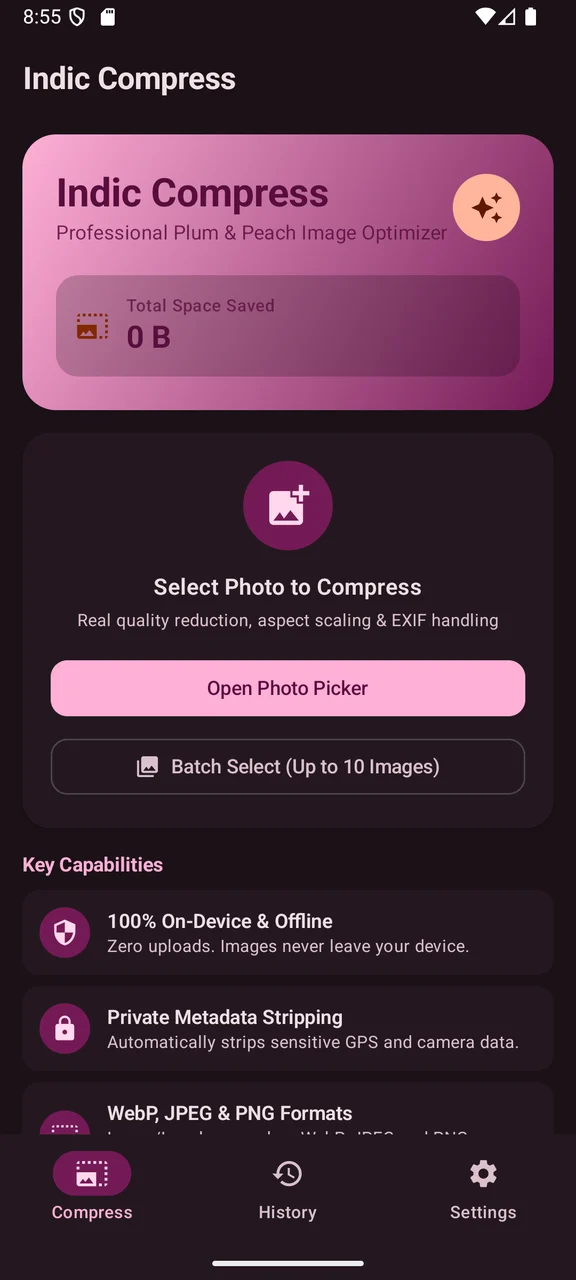
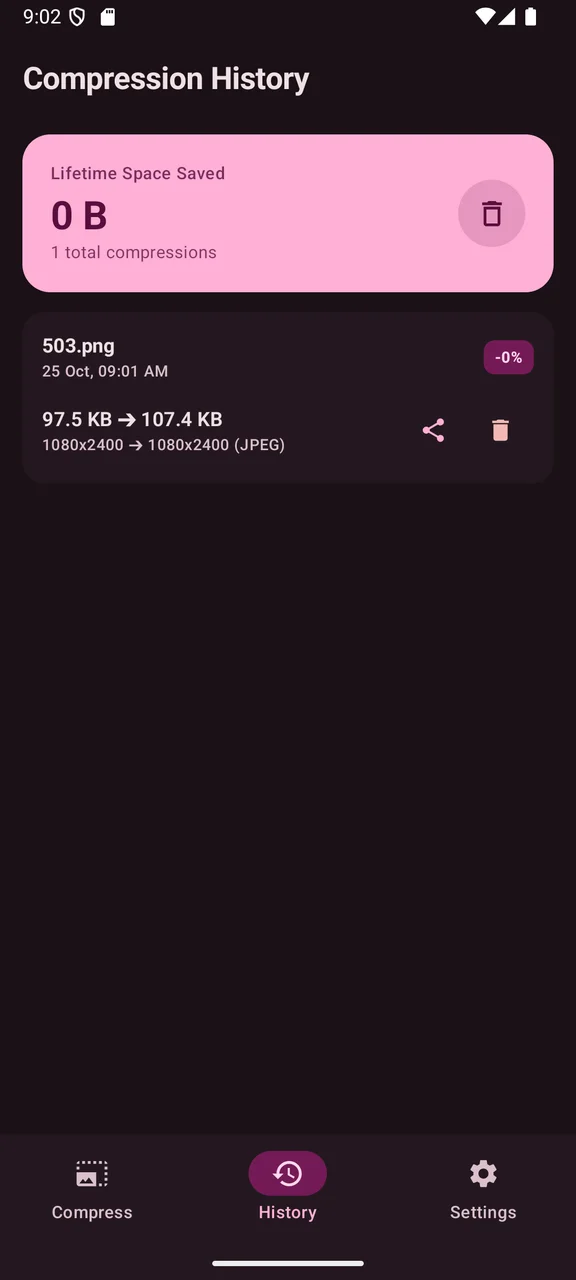
Scroll to explore · Select a screen to enlarge
THOUGHTFULLY MADE
When a photo is too large to send or upload, Indic Compress helps you choose a more practical size. Adjust dimensions and quality, or work toward a target file-size limit.
Compare output choices in JPEG, PNG and WebP, correct image orientation and remove sensitive metadata before sharing. Images are selected through Android’s system tools, and output is saved or shared only when you choose.
An Android app from IndicStudio. Download the current debug preview below to try it on a compatible Android device.
Adjust image quality and dimensions while preserving the aspect ratio.
Try a target file size and inspect the resulting output.
Export JPEG, PNG or lossy/lossless WebP, with EXIF orientation correction.
Strip image metadata and save or share through Android’s system tools.
YOUR DATA, EXPLAINED
This preview is designed to work on-device without an account, advertising or analytics. Read the app-specific privacy notice for permissions, sharing and Android backup behavior.
Read the privacy policyMORE FROM THE STUDIO
 Preview
A document workspace with PDF, text, Markdown, CSV, JSON, SQLite and Office-format viewers.
 Preview
Resize, crop, compress and convert images with individual and batch workflows.
 Preview
An offline calculator with expression preview, scientific functions and a searchable calculation history.