
Two ways to level
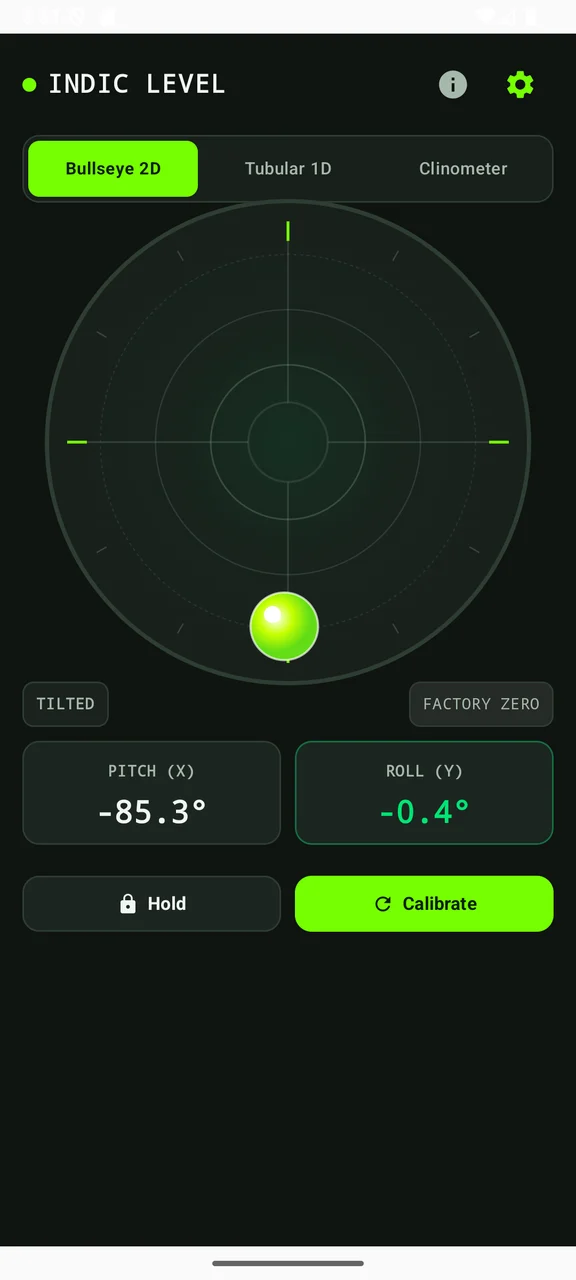
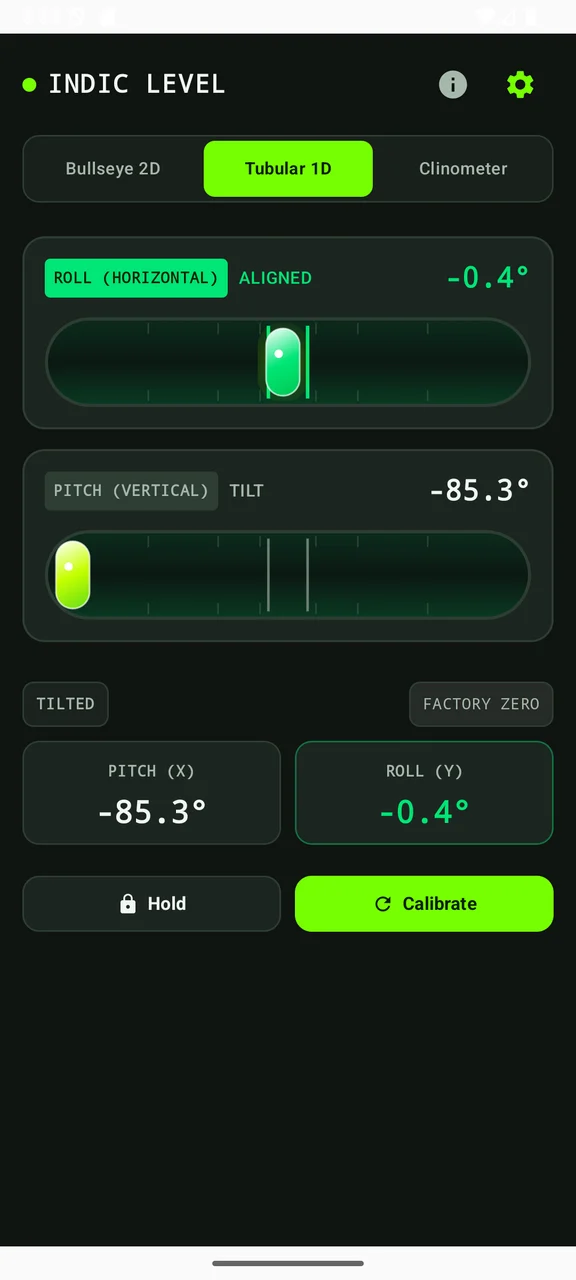
Switch between a circular bullseye and single-axis tubular vials.
A fresh perspective on level.
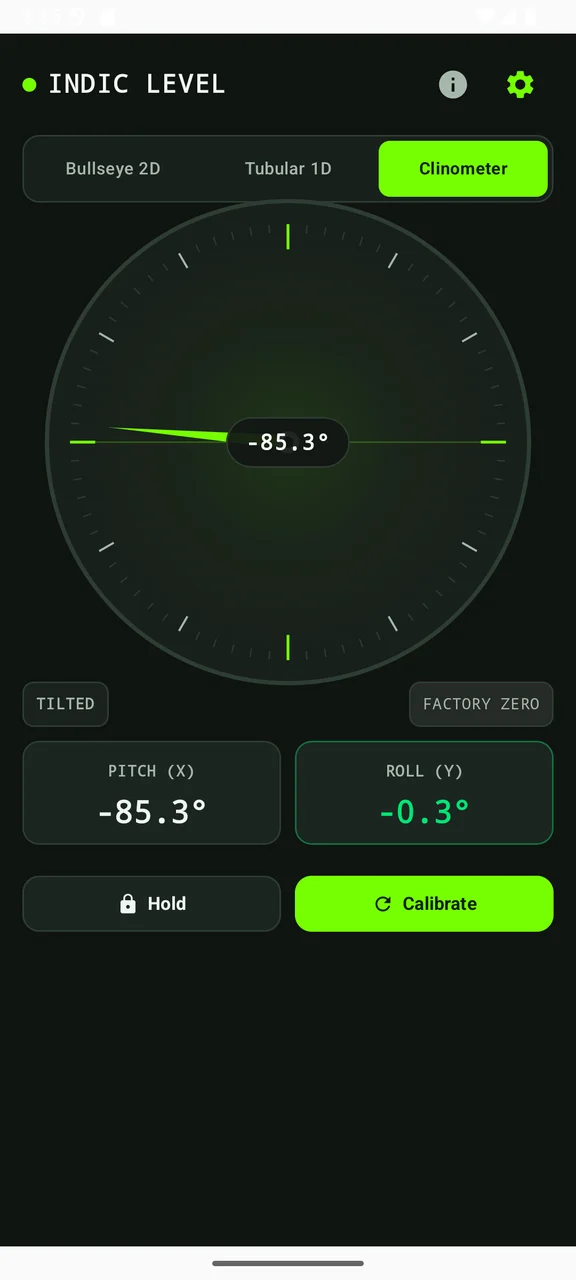
Check a surface with a dual-axis bubble level, tubular gauges, a clinometer and relative calibration.
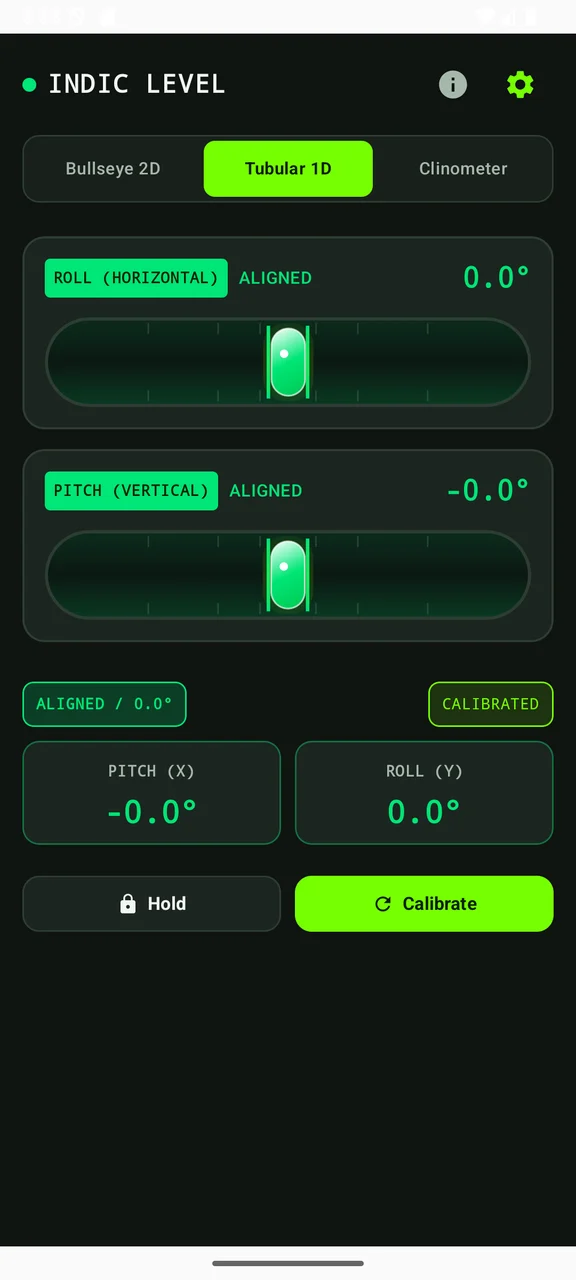
Scroll to explore · Select a screen to enlarge
THOUGHTFULLY MADE
From a quick shelf check to comparing an angle, Indic Level offers circular and tubular gauges alongside a rotating clinometer. Choose the view that makes the task easiest to read.
Set a relative zero, hold a measurement and change the units or damping. Phone cases, surface contact and sensor quality affect results; review the in-app precision guidance before relying on a reading.
An Android app from IndicStudio. Download the current debug preview below to try it on a compatible Android device.
Switch between a circular bullseye and single-axis tubular vials.
Use a rotating clinometer with degree, slope and pitch readouts.
Calibrate a relative zero and hold a reading for easier inspection.
Choose damping, feedback and units to suit the task and your device.
YOUR DATA, EXPLAINED
This preview is designed to work on-device without an account, advertising or analytics. Read the app-specific privacy notice for permissions, sharing and Android backup behavior.
Read the privacy policyMORE FROM THE STUDIO
 Preview
A document workspace with PDF, text, Markdown, CSV, JSON, SQLite and Office-format viewers.
 Preview
Resize, crop, compress and convert images with individual and batch workflows.
 Preview
An offline calculator with expression preview, scientific functions and a searchable calculation history.